Free Barcode & QR Code Reader - Extract Barcodes from Images, PDFs & Emails
Instantly detect and extract QR codes, barcodes, and other machine-readable codes from documents, images, and email attachments. No software installation required.
Upload Your Document to Extract Barcodes
Upload a PDF, image (JPEG, PNG), or email file (.eml) containing barcodes or QR codes, and we'll extract all machine-readable codes instantly.
Drag and drop your file here or click to select
Supports PDF, JPEG, PNG, and email files
All barcode types supported: QR, Aztec, PDF417, Code 128, and more
Supported Barcode & QR Code Types
Our barcode reader supports all major 1D and 2D barcode formats used worldwide.
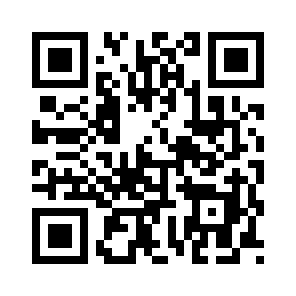
QR Code
Most common 2D barcode, used for URLs, payments, and tickets

Aztec
Compact 2D barcode used for transport tickets and boarding passes

PDF417
High-capacity 2D barcode used for IDs, tickets, and shipping

Code 128
Versatile 1D barcode for product packaging and logistics

Code 39
Common 1D barcode for inventory and asset tracking
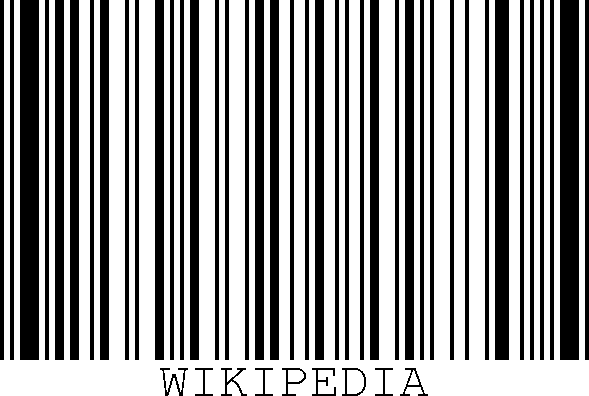
Code 93
High-density 1D barcode for compact encoding

EAN-13 / EAN-8
European product barcodes found on retail items
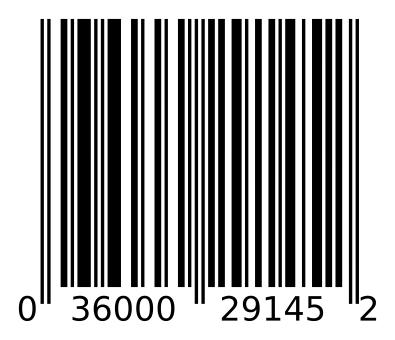
UPC-A / UPC-E
North American product barcodes for retail

Data Matrix
Small 2D barcode for electronics and component marking

DataBar / DataBar Expanded
Compact barcodes for fresh food and small items

ITF (Interleaved 2 of 5)
Warehouse and distribution barcode format
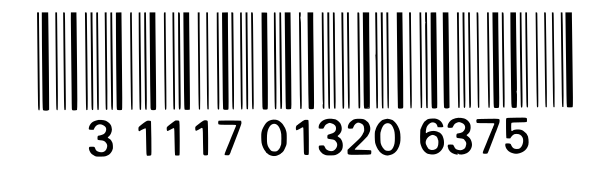
Codabar
Used in libraries, blood banks, and logistics

MaxiCode
High-speed 2D barcode used by UPS for package sorting

Micro QR Code
Compact version of QR Code for space-constrained applications
How the Barcode Reader Works
Our barcode extraction technology uses advanced image processing to detect and decode all types of barcodes and QR codes from your documents.
Upload Document
Upload any PDF, image, or email file containing barcodes. Our system supports all common file formats and sizes up to 10MB.
Barcode Detection
Our image processing algorithms scan the document and detect all barcodes and QR codes, regardless of orientation, size, or quality.
Instant Results
View all extracted barcodes with their type, page number, and raw data. Copy any barcode with a single click.
Why Use Our Free Barcode Reader?
Key Features
- Extract barcodes from images, PDFs, and email files
- Support for 10+ barcode types including QR, Aztec, PDF417
- Instant extraction with one-click copy
- Multi-page PDF support - extract from all pages
- No registration or software download needed
Common Use Cases
- Extract ticket barcodes from PDF confirmations
- Read QR codes from screenshots or photos
- Decode barcodes from email attachments
- Extract product UPC/EAN codes from images
- Batch process multiple barcodes from one document
Need to Create an Apple Wallet Pass?
After extracting barcodes, turn them into Apple Wallet passes with PassDrop
Create Wallet Passes
Convert your tickets, QR codes, and barcodes into Apple Wallet passes that work on iPhone and Apple Watch.
Try PassDropForward PDF Email
Received a PDF ticket via email? Forward it to our email address for instant conversion.
Forward your PDF emails directly to this address