PassDrop Examples
See real examples of how PassDrop transforms various types of content including emails, PDFs, scanned documents, and photographs into Apple® Wallet passes.
Tip: For boarding passes, clear photos taken from above work best
Note: Apple Wallet only supports QR Codes, Code 128, Aztec, and PDF417. Other formats are converted to QR Codes.
Before & After Transformations
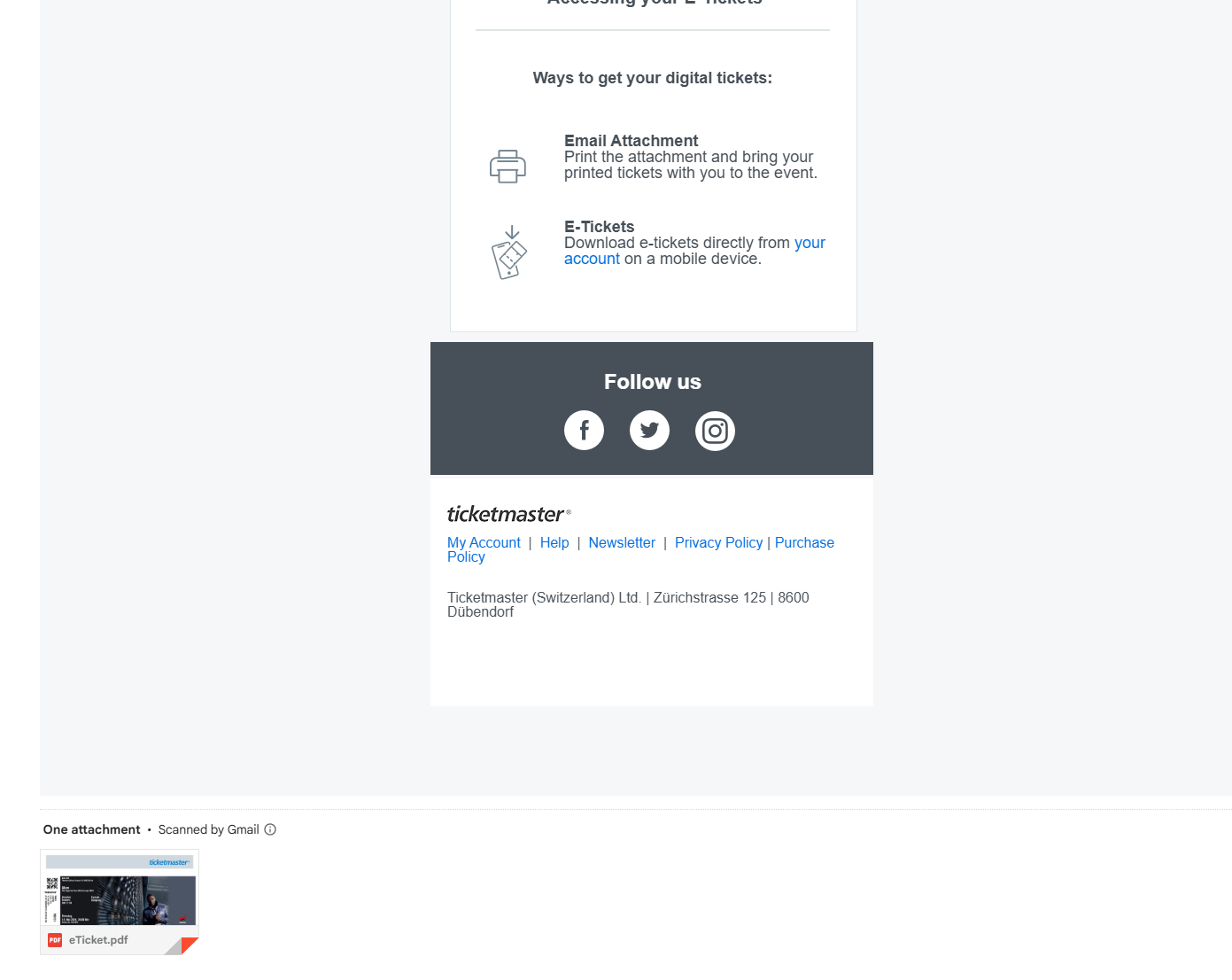
Concert Ticket
Before: Original Content
After: Apple Wallet Pass
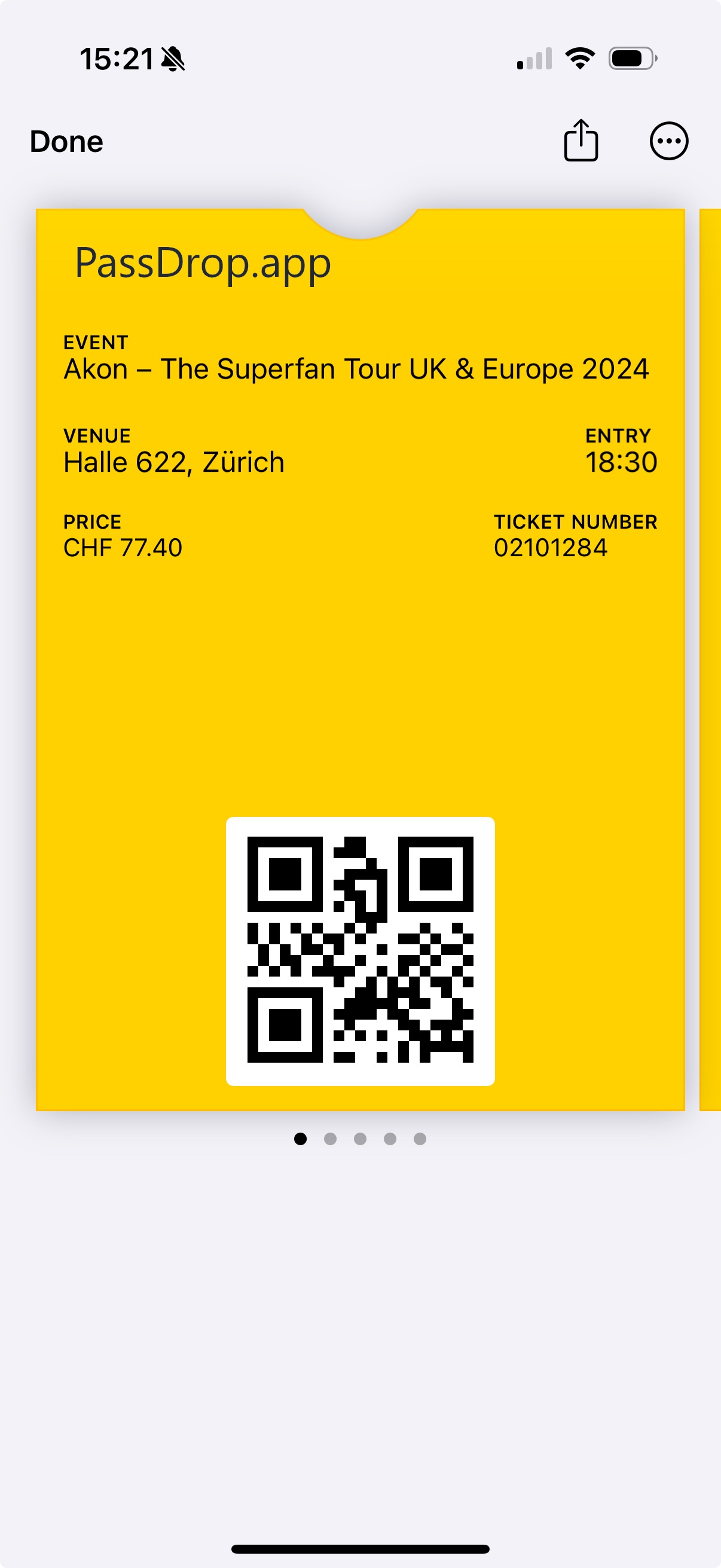
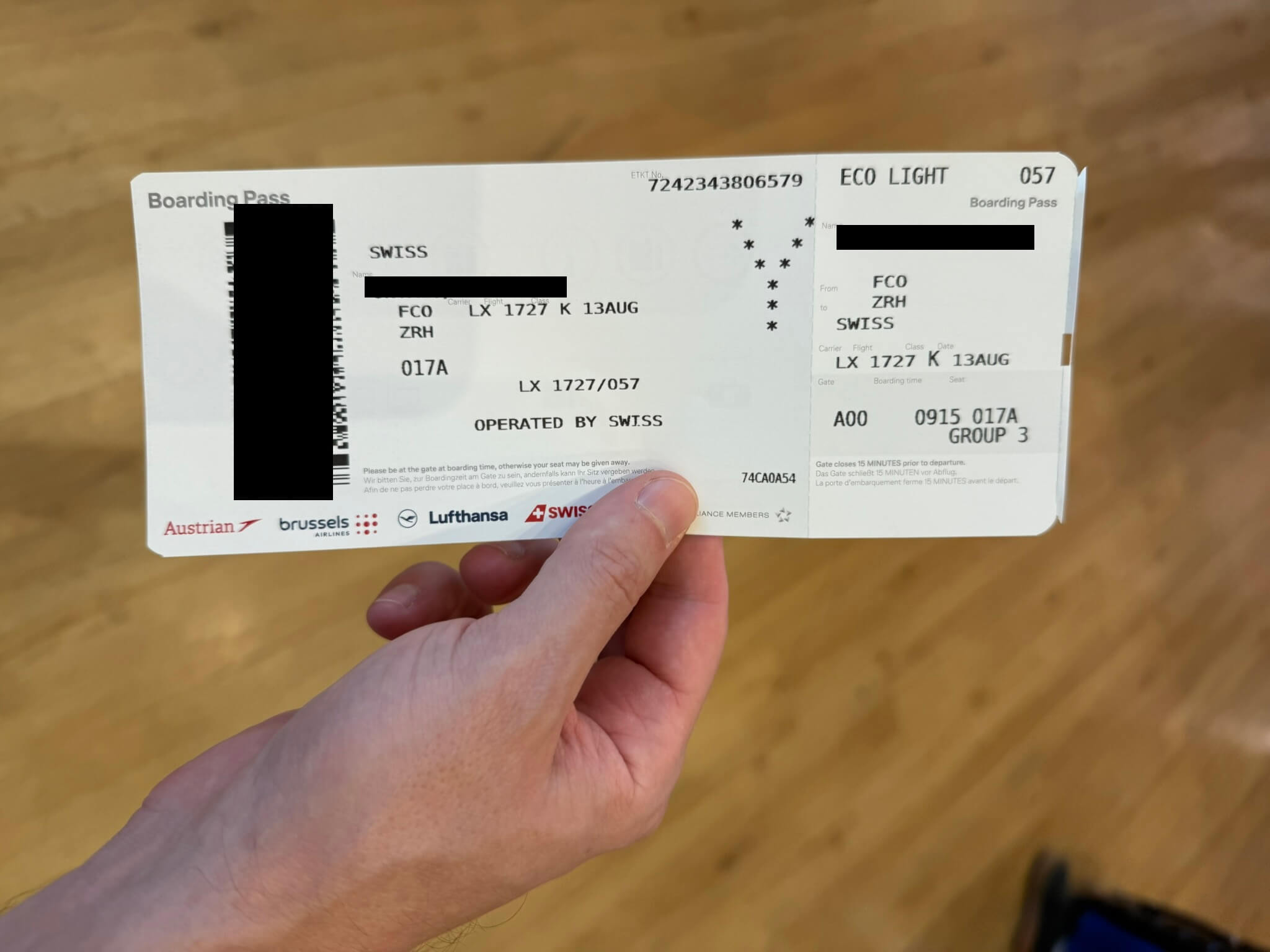
Flight Boarding Pass
Before: Original Content
After: Apple Wallet Pass
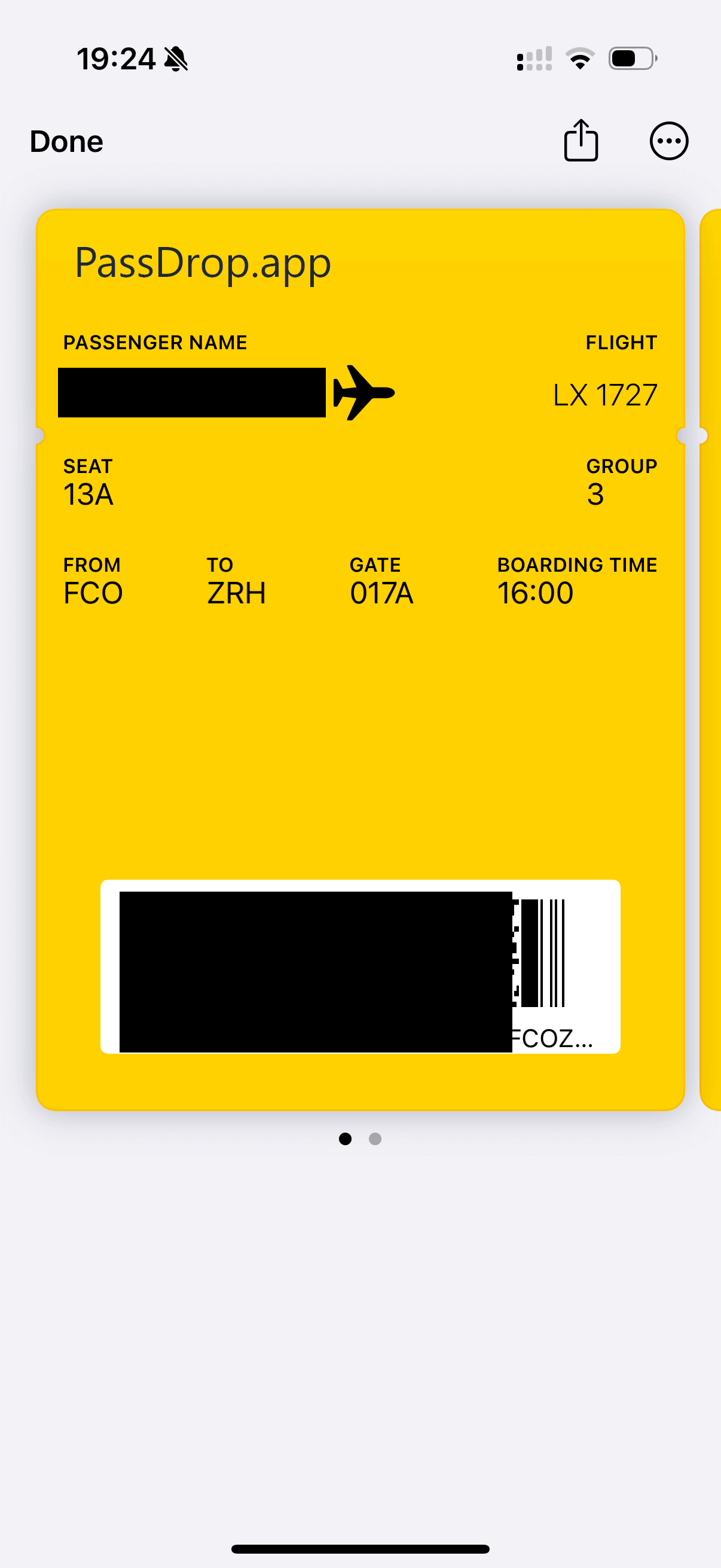
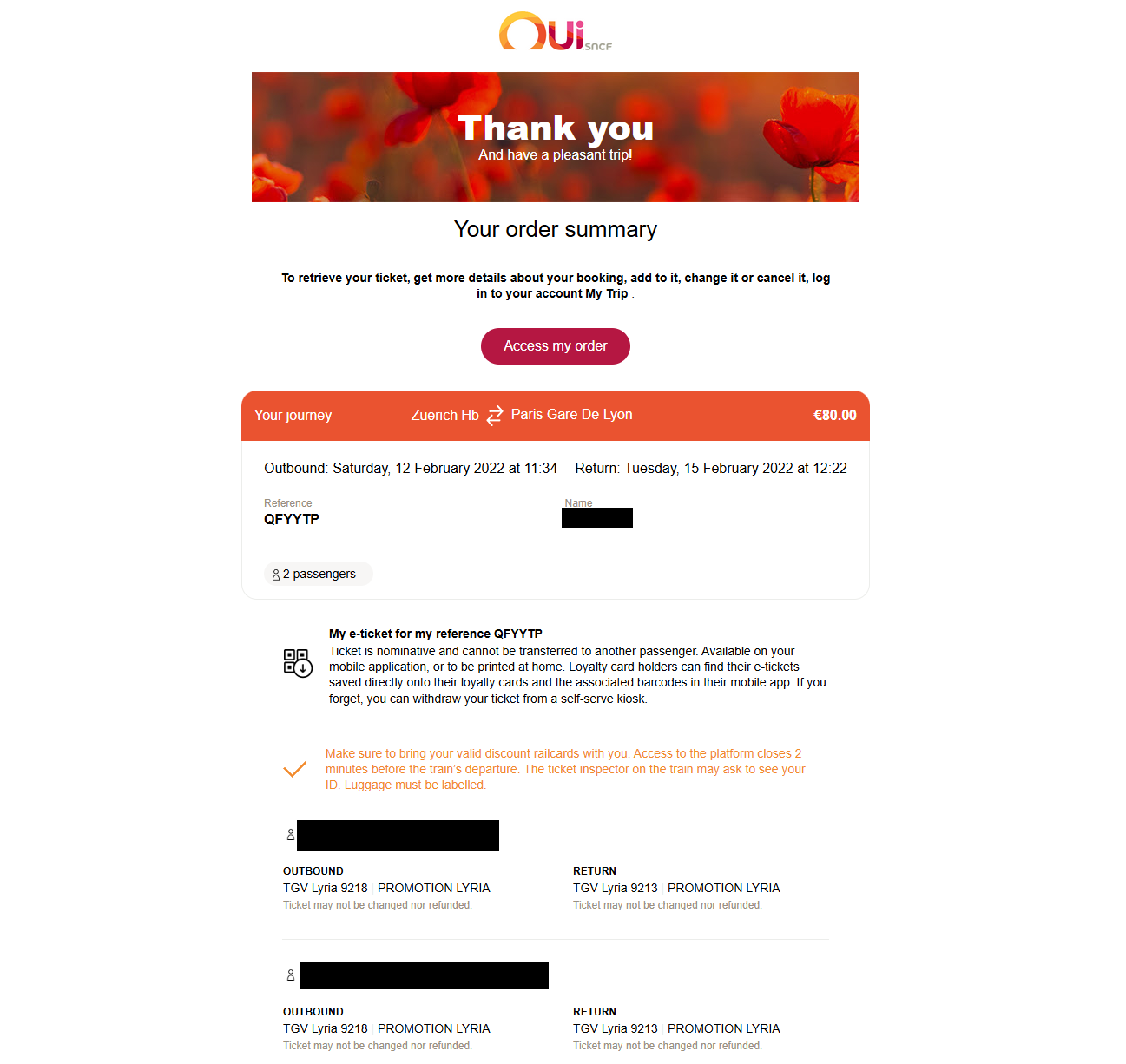
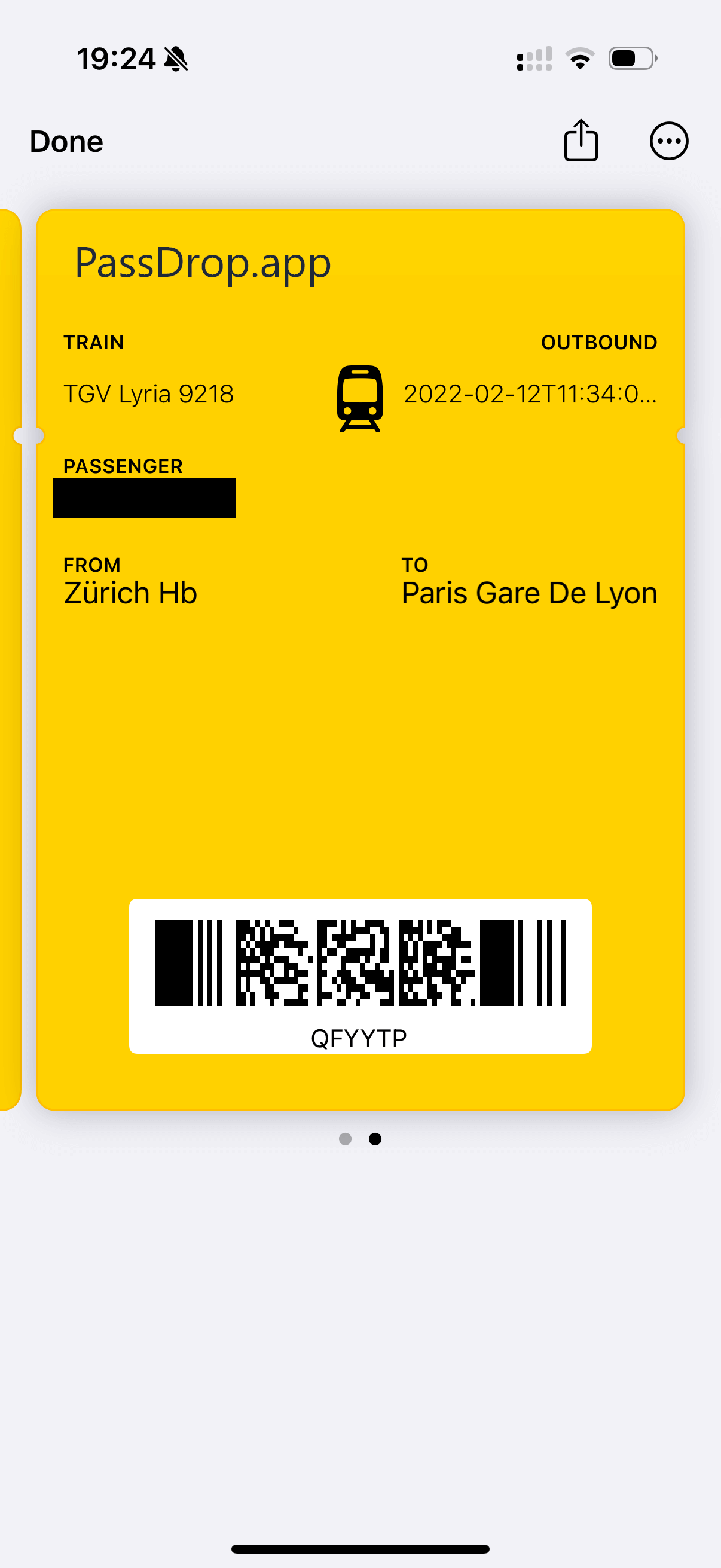
Train Ticket
Before: Original Content
After: Apple Wallet Pass
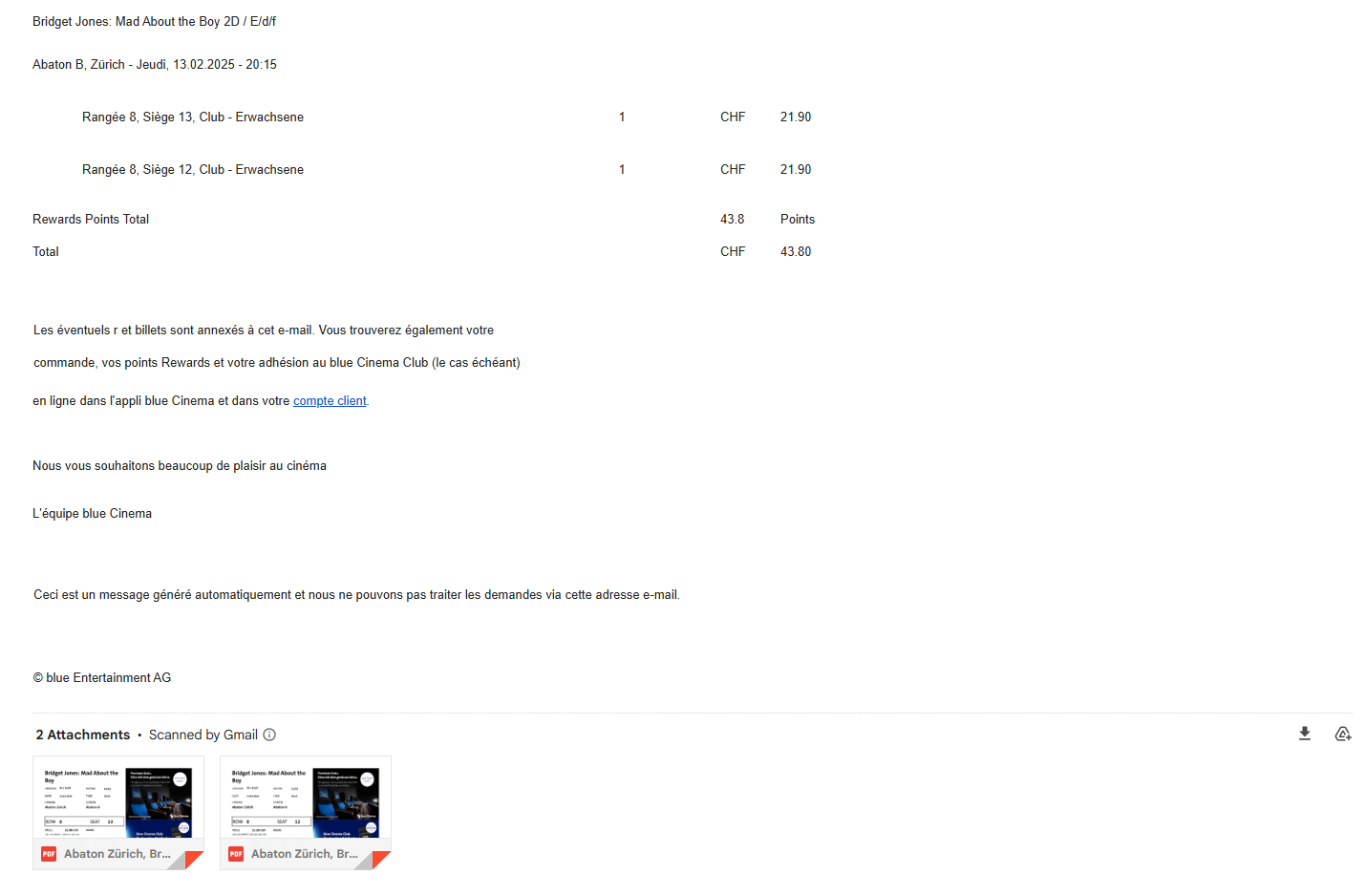
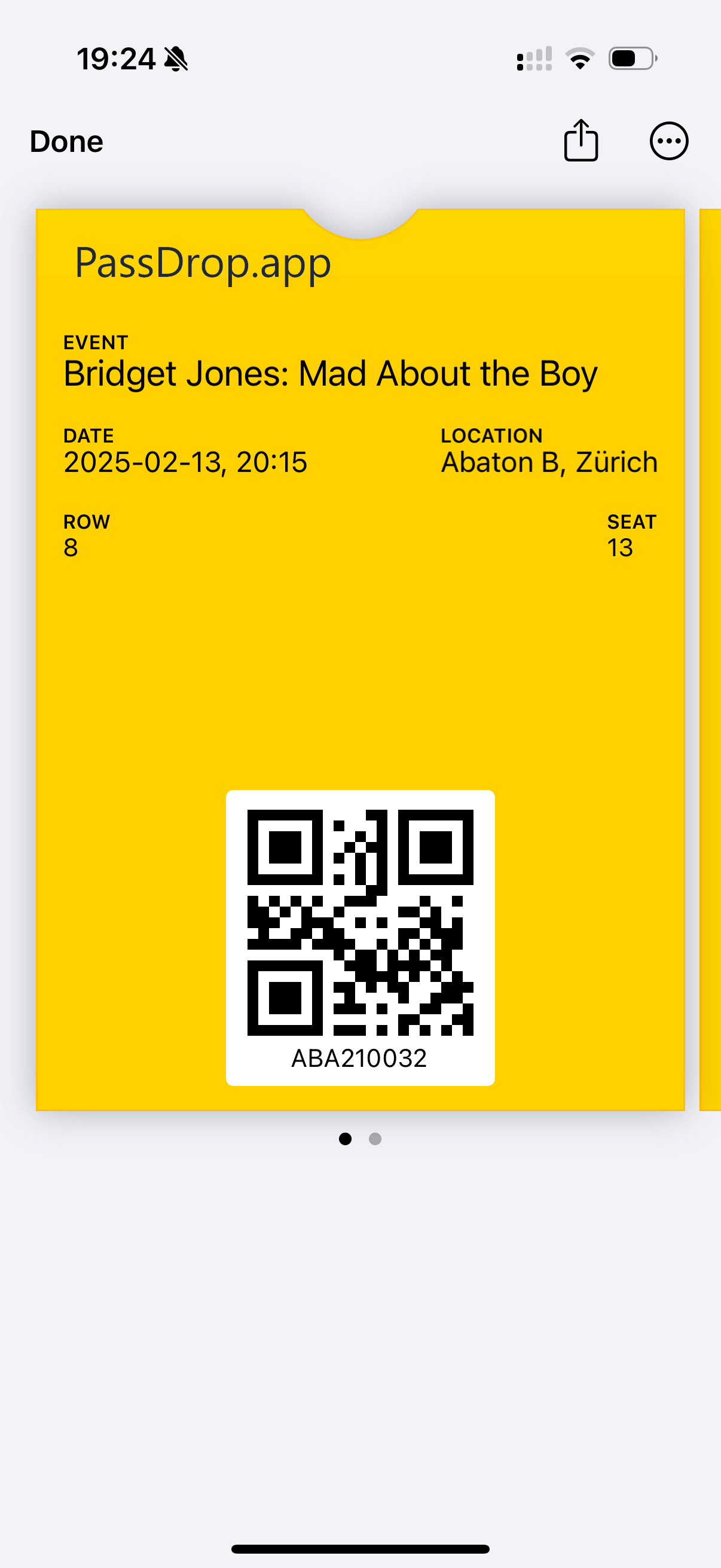
Movie Ticket
Before: Original Content
After: Apple Wallet Pass
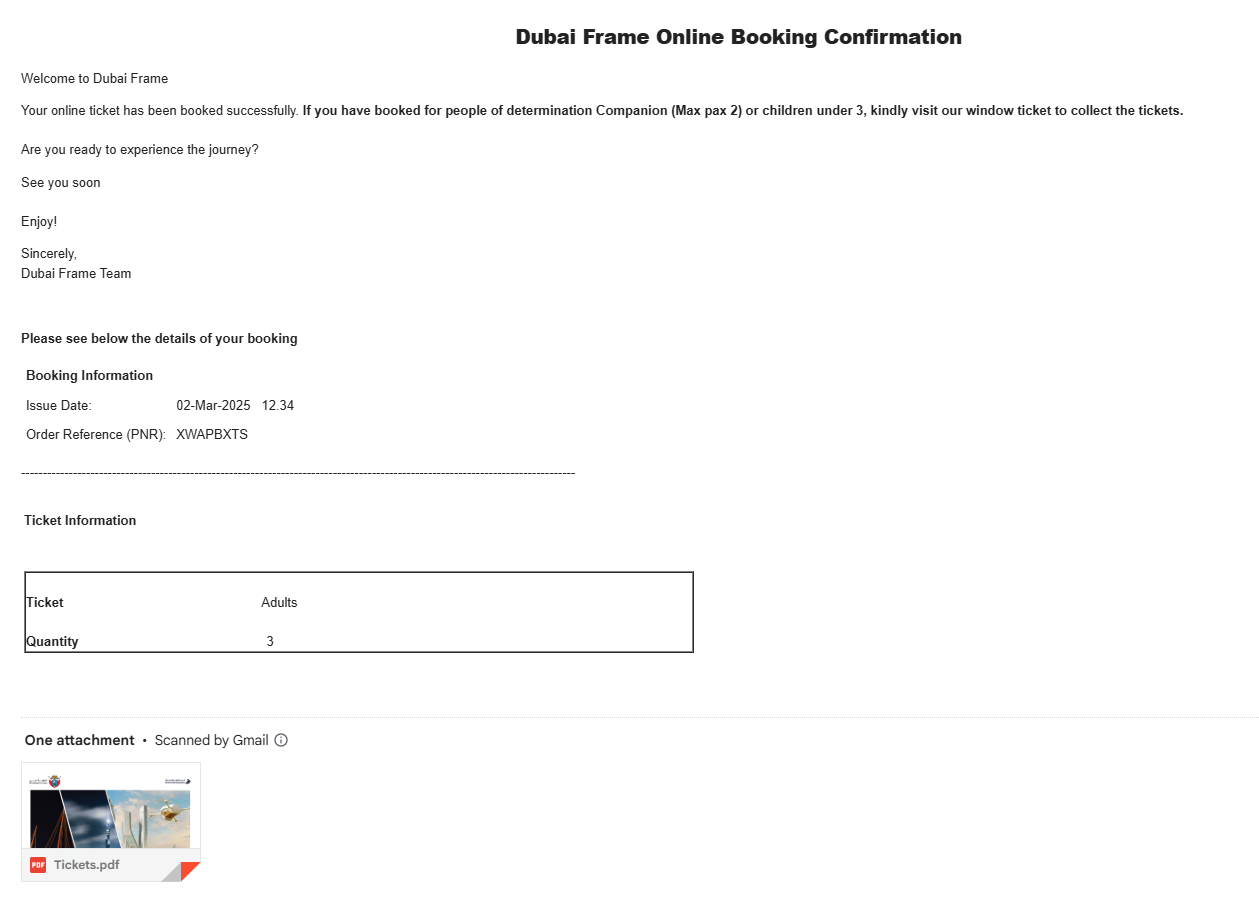
PDF Tickets
Before: Original Content
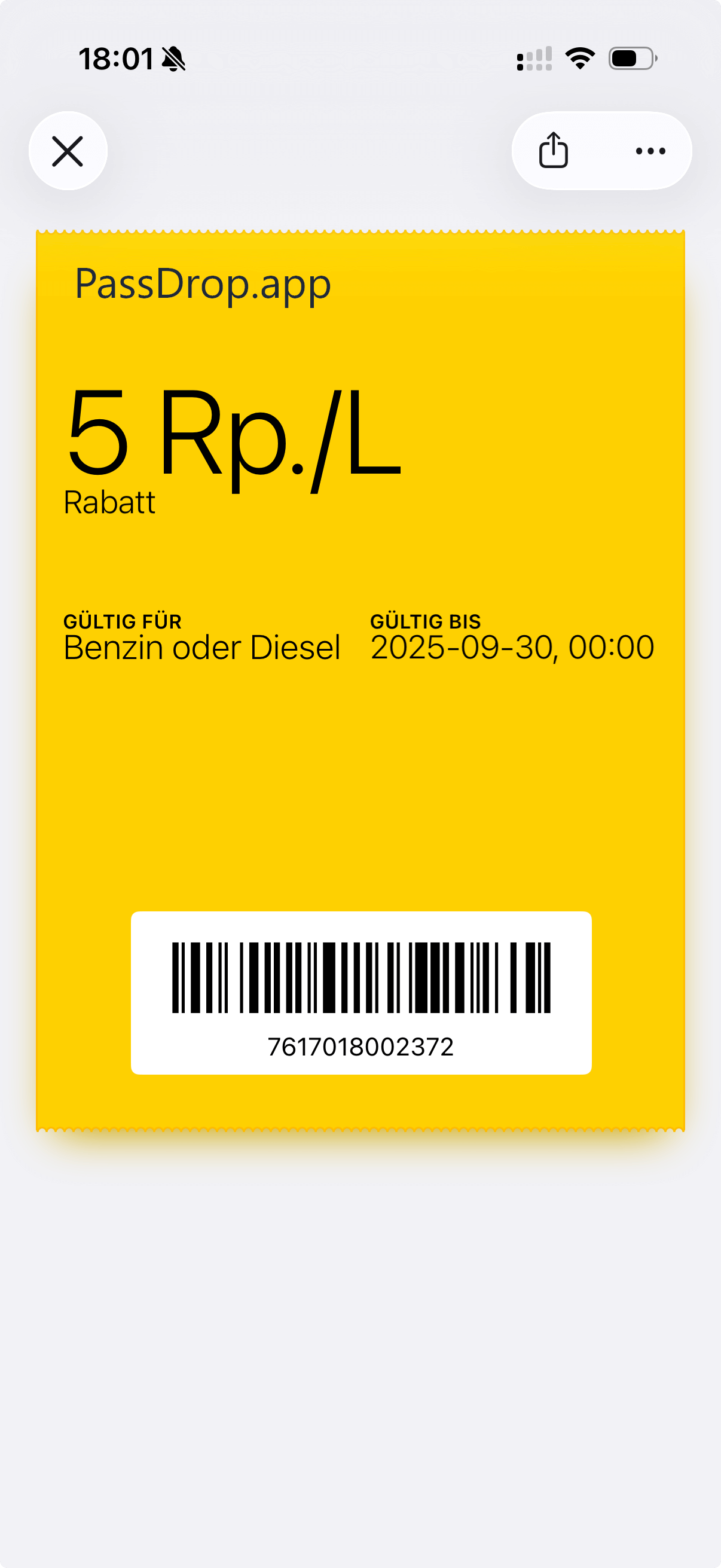
After: Apple Wallet Pass
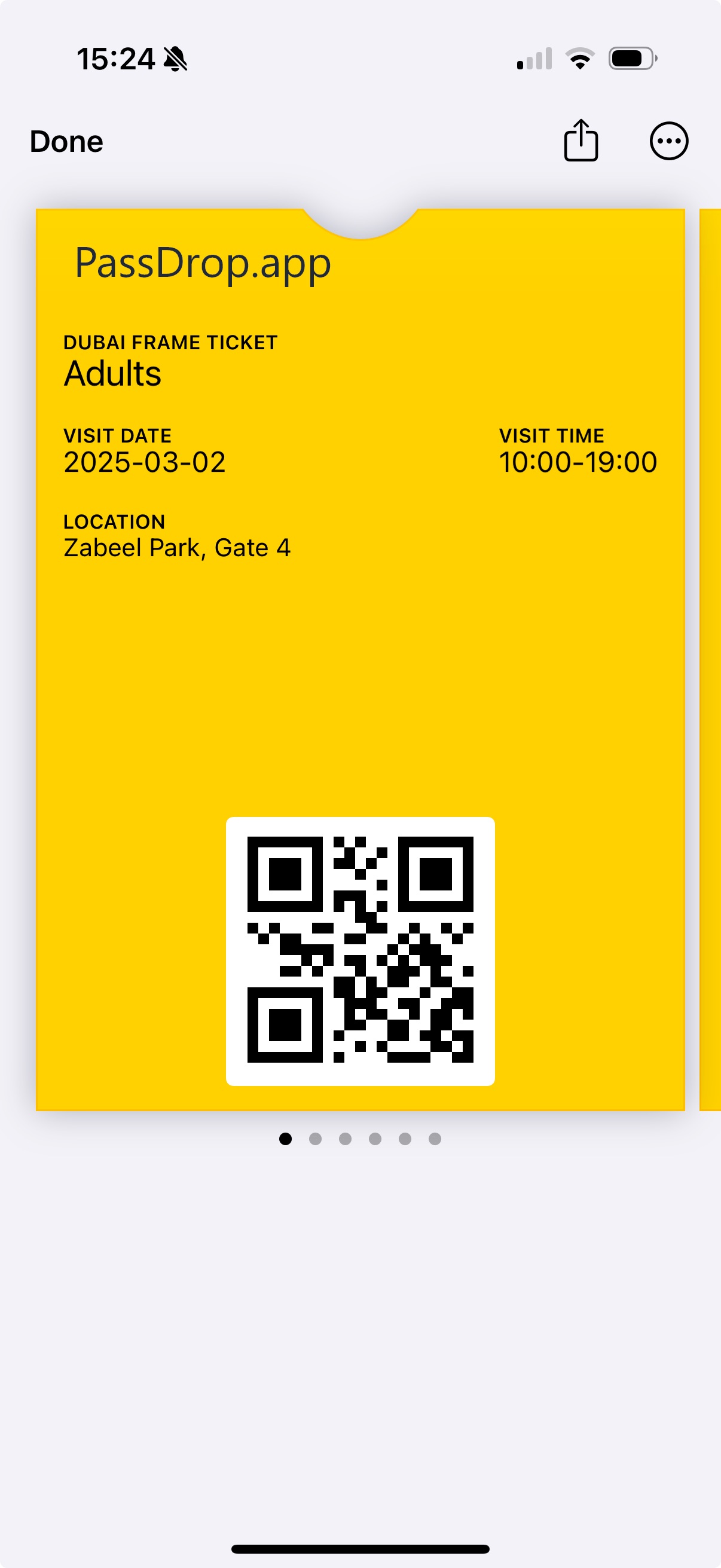
Voucher Screenshot
Before: Original Content
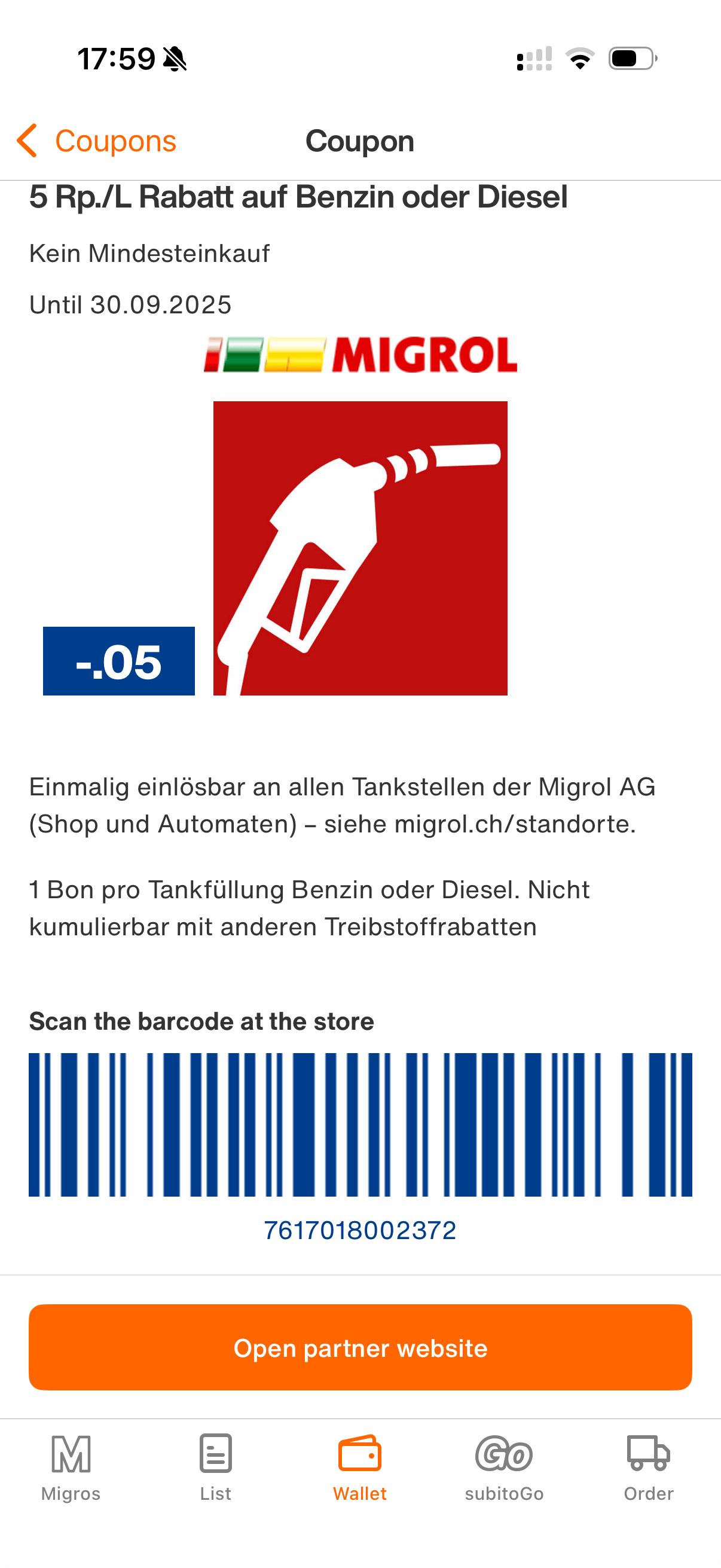
After: Apple Wallet Pass
Ready to create your own passes?
Upload your tickets, boarding passes, documents, or photographs and transform them into Apple Wallet passes instantly.
Try PassDrop Now